
For business VoIP services in Charlotte, NC, choose a hosted phone system when you need employees to answer one business number across desks, mobile devices, or several locations. Make the purchase conditional on a complete quote, successful calls over your own network, and an agreed plan for transferring existing numbers. If your current system still meets your needs, compare its remaining costs before replacing it.
The strongest proposal should explain who answers each call, what happens when nobody is available, and who takes responsibility when service needs attention. A long feature list cannot settle those questions. Use the requirements below to turn a phone demonstration into a practical purchasing decision.
What Charlotte VoIP services should include in your proposal
Carolina Digital Phone provides hosted cloud PBX service for Charlotte-area businesses, schools, and public-sector organizations, including multi-site compatibility. Its call-handling capabilities include customized auto attendants, call queues, and call groups, which provide a concrete starting point for designing reception and departmental coverage (Charlotte hosted phone service).
For a Charlotte office with staff working across locations, shortlist Carolina Digital Phone when that hosted call management matches your needs. Keep the decision conditional on the proposed configuration, support arrangements, and installed cost. Do not replace an adequate system simply to acquire features your employees will not use.
For Carolina Digital Phone pricing, request a written proposal based on your device count and service requirements. Carolina Digital Phone also offers a 100% money-back guarantee and states that a term commitment is never required. Treat the entry price as a starting point for a written proposal rather than the total installed bill (business cloud service offer).
Start the proposal with a short inventory: occupied desks, shared phones, mobile users, locations, and the busiest period for simultaneous calls. Separate people who need their own business identity from shared spaces that need a telephone. Ask the estimator to explain exactly what counts as a billable device in your configuration.
Include the problems the purchase must solve. For example, specify that reception must transfer callers to another office, that an absent employee's calls need coverage, or that a school office needs a usable holiday greeting. These are acceptance requirements, not assumptions about what every subscription includes.
Trace a customer call through reception and overflow
When comparing call handling, ask about after-hours routing to on-call employees, voicemail delivery through email, and ring groups that can include remote employees. Evaluate those functions by following a call from its arrival to a person or message destination, rather than reviewing them as isolated features.
Ask for a demonstration using your actual departments and opening hours. Try a normal business-hours call, a caller who chooses the wrong department, and a call that remains unanswered. Write down the destination at each step. Decide how long a caller should wait and which employee owns the eventual callback.
For a two-location organization, rehearse a transfer between sites while the original receptionist stays available to help the caller. Then repeat the exercise with the intended recipient unavailable. The buying consequence is straightforward: staff should know how to finish the interaction instead of asking callers to start again with another number.
Keep the menu short enough to reflect choices callers understand. Use department names that appear on your customer-facing materials. Assign responsibility for changing greetings before holidays, weather closures, and temporary schedule changes. An accurate closure message is more useful than an elaborate menu nobody maintains.
For more background on the local service relationship, read the Charlotte provider selection article before assembling your demonstration questions. Use it to frame the discussion, then have the proposed call flow demonstrated with your own staff and destinations.
Match mobile calling to employees who leave their desks
Carolina Digital Phone provides a mobile business phone app for handling calls and messages. Employees can make and receive calls using their business phone number while away from their desks (business phone app).
That mechanic is particularly relevant when a manager moves between a Charlotte office and another worksite. During the demonstration, have that manager answer an incoming business call, place an outgoing call, and transfer a caller to reception. Include the headset or handset the employee expects to use, rather than testing only the presenter's equipment.
Choose devices by job responsibility. A busy front desk may need physical transfer controls and an easy way to identify coworkers. An employee who spends much of the day away from a workstation may value mobile access more. Ask each employee to complete their normal tasks before deciding how many desk phones to purchase.
Define availability expectations alongside the equipment decision. Decide who covers lunch, when staff stop receiving business calls, and where calls should go during leave. Give a backup employee a chance to perform the same tasks without borrowing the primary employee's credentials. Successful coverage should survive a routine absence.
Test VoIP services on the network your staff actually use
A useful voice test measures more than download speed. Cisco's branch-network guidance recommends one-way delay of no more than 150 milliseconds, jitter below 30 milliseconds, and packet loss below 1% for high-quality voice. These are engineering reference points, not a guarantee for a particular installation (voice network design guidance).
Request a readiness assessment at every proposed location. Have the assessment cover the internet connection, router, firewall, switches, cabling, and any wireless connections phones will use. Ask for the findings in plain language: which equipment can remain, which changes are required, and who is responsible for making them.
Run several calls while the office is doing normal work. Include a busy period when staff upload documents, join video meetings, or use cloud applications. Have employees listen for interruptions and delayed conversation. Ask the engineer to correlate any problem with measurements rather than recommending a faster connection without identifying the cause.
Make equipment compatibility a written purchasing condition. Supply exact model numbers for existing phones, headsets, paging equipment, fax machines, and door-entry devices you want to retain. Request an item-by-item answer identifying reuse, replacement, or a separate connection. A general statement that a service supports business phones does not settle compatibility with your installed equipment.
Set a clear acceptance point: ordinary incoming calls, outgoing calls, transfers, and voicemail retrieval should work on the proposed devices under the tested conditions. Keep the results with the order so the installation team and office manager are evaluating the same outcome.
Separate cloud availability from an office outage plan
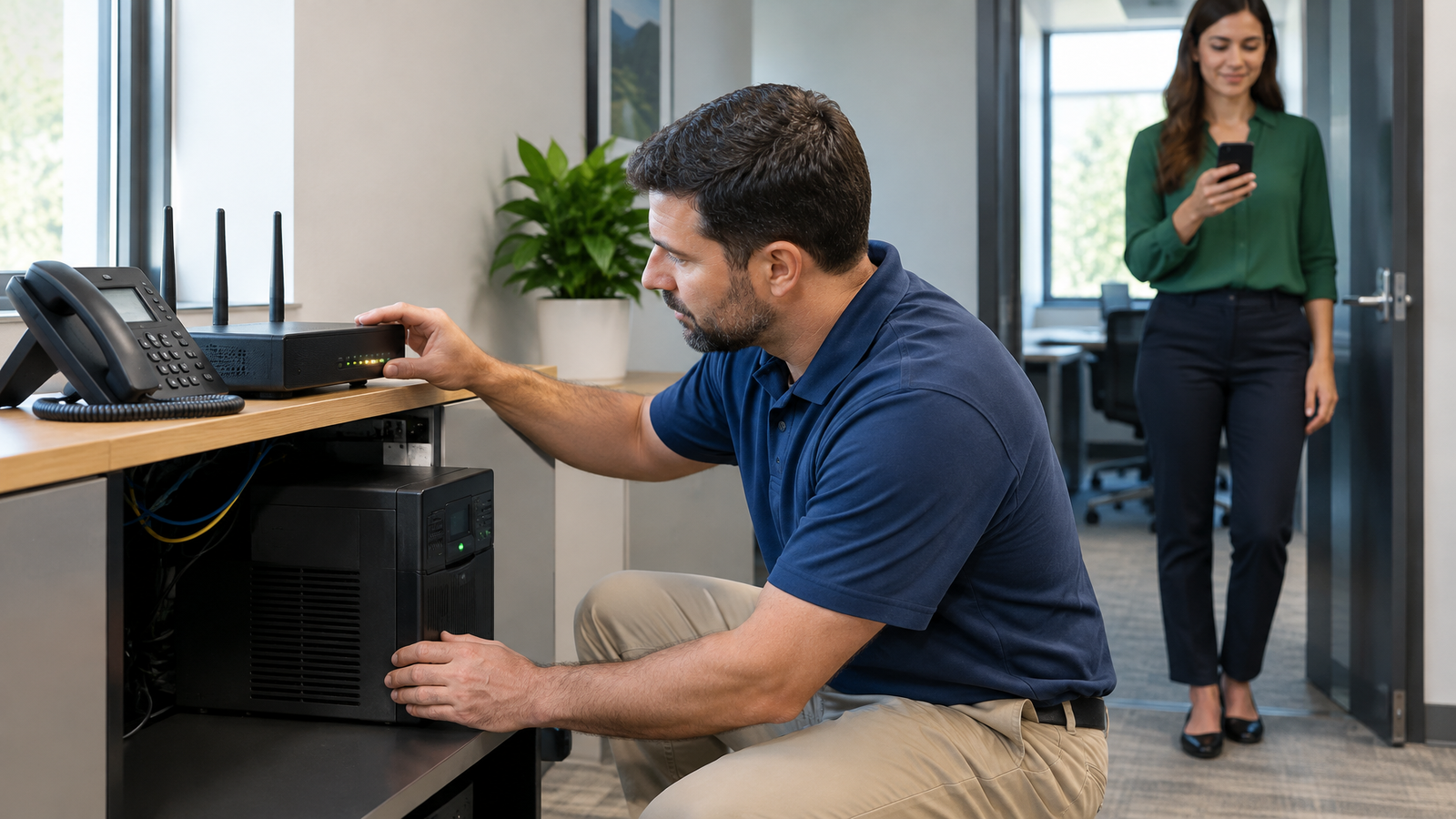
Carolina Digital Phone operates a geo-redundant cloud-based PBX and provides local support from its North Carolina team. Those capabilities are relevant to a Charlotte organization seeking regional assistance, but the proposal should still identify how an individual office will communicate during a local disruption (company and support information).
Ask the engineer to walk through two separate scenarios: loss of electricity inside the building and loss of the building's internet connection. For each scenario, identify the intended caller destination, the equipment that must remain powered, and the connection employees would use. Request a controlled demonstration of the agreed arrangement before acceptance.
If backup power or another internet connection is proposed, put installation, testing, and ongoing ownership into the project scope. Have the responsible person demonstrate the changeover and the return to ordinary operation. Keep the instructions somewhere employees can access without relying on the affected office equipment.
Document support escalation with similar care. Ask whom to contact when every phone is affected, how to report a problem outside office hours, and when an on-site visit would be appropriate. Distinguish an acknowledgement from a restoration commitment. Obtain any promised response time in the service agreement rather than inferring it from the word “local.”
Calculate the full cost of VoIP services in Charlotte
Request two totals: the ordinary monthly bill and the amount due to complete the installation. For each, ask what is included and what is separately charged. Match the quantities to the same device and location inventory used for the demonstration so the quote does not silently change the project.
For the recurring amount, identify telephone service, equipment rental if applicable, optional services, and any proposed backup connectivity. For installation, request separate amounts for phones, headsets, cabling, network changes, configuration, training, and number transfer. Ask how taxes and fees are treated on both equipment and service.
Use a first-year worksheet rather than comparing only the headline monthly charge. Include any overlap with existing service and the cost of agreed network improvements. Our affordable VoIP planning guide provides broader background on evaluating value; keep your final calculation tied to the quantities and terms in the written proposal.
Carolina Digital Phone offers $100 off account setup, number porting, and account activation when customers mention the business cloud service page and the code word “switch.” Have the offer reflected in the proposal, and keep this one-time reduction separate from recurring service costs.
For illustration only, assume a hypothetical rate of $20 per device per month for 24 devices: 24 × $20 = $480 per month, and 12 × $480 = $5,760 for a year of that service component. This is a hypothetical calculation, not a complete Carolina Digital Phone quote; add the equipment, installation, and other applicable charges identified in your proposal.
Transfer existing numbers with a controlled cutover
The FCC explains that customers who change providers while remaining in the same geographic area can keep their existing phone number through porting, including between wireline, IP, and wireless providers. Have the receiving provider assess your particular numbers before scheduling the transition (FCC number portability guidance).
Prepare a complete number inventory, not just the main reception number. Include departmental lines, fax numbers, and any published direct numbers. Gather the current account details and identify who is authorized to approve the transfer. Ask the receiving team to flag mismatches before agreeing to a cutover date.
Agree on the sequence in writing: configuration, staff practice, number transfer, incoming-call checks, and acceptance. Coordinate cancellation of old service with the receiving provider after successful transfer and testing. Assign one internal decision-maker who can answer questions during the changeover.
Train employees on the tasks they will use immediately: answer, hold, transfer, retrieve voicemail, and cover an absent colleague. After the transfer, place calls from outside the organization to each important number. Verify the greeting, destination, and return-call process before treating the project as complete.
Include emergency calling in the acceptance checklist
Federal emergency-calling requirements address direct 911 dialing, notification, and dispatchable location for applicable multi-line telephone systems. Dispatchable location includes a validated street address plus information such as a suite or similar detail needed to locate the caller. Review these requirements with the deployment team, especially for schools, multiple floors, and employees moving between sites (federal emergency calling guidance).
Assign an owner for location records and agree how moves or room changes trigger updates. Ask for a documented verification procedure coordinated with the provider and appropriate local authorities. Include this work in acceptance rather than assuming a business address on the invoice completes emergency-calling setup.
Choose the hosted proposal that demonstrates your call routes, supports the devices staff need, and makes the full cost and transition responsibilities clear. Bring your current bill, number inventory, location list, and call-handling requirements to the business phone pricing request.
Frequently Asked Questions
How long should a Charlotte business allow for a VoIP installation?
Ask for a schedule tied to your number transfers, equipment delivery, network changes, and staff availability. Request milestone dates for testing and cutover rather than treating an estimated installation day as the entire project. A multi-location deployment should identify acceptance responsibilities at each site.
Do all employees need a separate desk phone?
No single equipment layout suits every office. Count individual workstations, shared spaces, and employees who need mobile access separately. Ask for a demonstration using each proposed device type before deciding which staff need physical phones and which can work with an application.
What should a school or government agency include in a VoIP bid request?
Include buildings, room and phone inventories, shared reception responsibilities, paging equipment, required training, and acceptance tests. Specify who approves changes and how support incidents will be escalated. Require bidders to identify equipment reuse and exclusions so the proposals cover the same work.