
Last Updated: November 21, 2026
Quick Summary
A hosted phone system setup for multiple locations connects every office, branch, and remote worker to one cloud-based phone platform with shared numbers, extension dialing, and centralized administration. Each location needs a reliable internet connection, a properly configured router, and a plan for how calls route between sites.
- Run a voice readiness test at each site before installation, not after complaints start.
- Allow roughly 100 kbps per concurrent call in each direction, plus headroom.
- Assign each site a block of extensions, such as 100-199 for Site A and 200-299 for Site B.
- Disable SIP ALG on routers, a common cause of one-way audio and dropped calls.
- Test that an inbound call reaches a live person or monitored voicemail within 30 seconds of an internet outage.
Table of Contents
- What a Hosted Phone System Setup for Multiple Locations Requires
- Step 1: Run a Network Readiness Check at Every Site
- Step 2: Choose the VoIP Phone System for Multiple Offices
- Step 3: Configure the Hosted Phone System Setup for Multiple Locations PBX
- Step 4: Port Numbers and Set Up Emergency Calling by Location
- Step 5: Add Mobile Access with the Hosted Phone System Setup for Multiple Locations iPhone
- Plan for Failures and Keep Calls Flowing
- Common Mistakes to Avoid During Rollout
- Frequently Asked Questions
What a Hosted Phone System Setup for Multiple Locations Requires
A hosted phone system setup for multiple locations connects every office, branch, and remote worker to one cloud-based phone platform with shared numbers, extension dialing, and centralized administration.
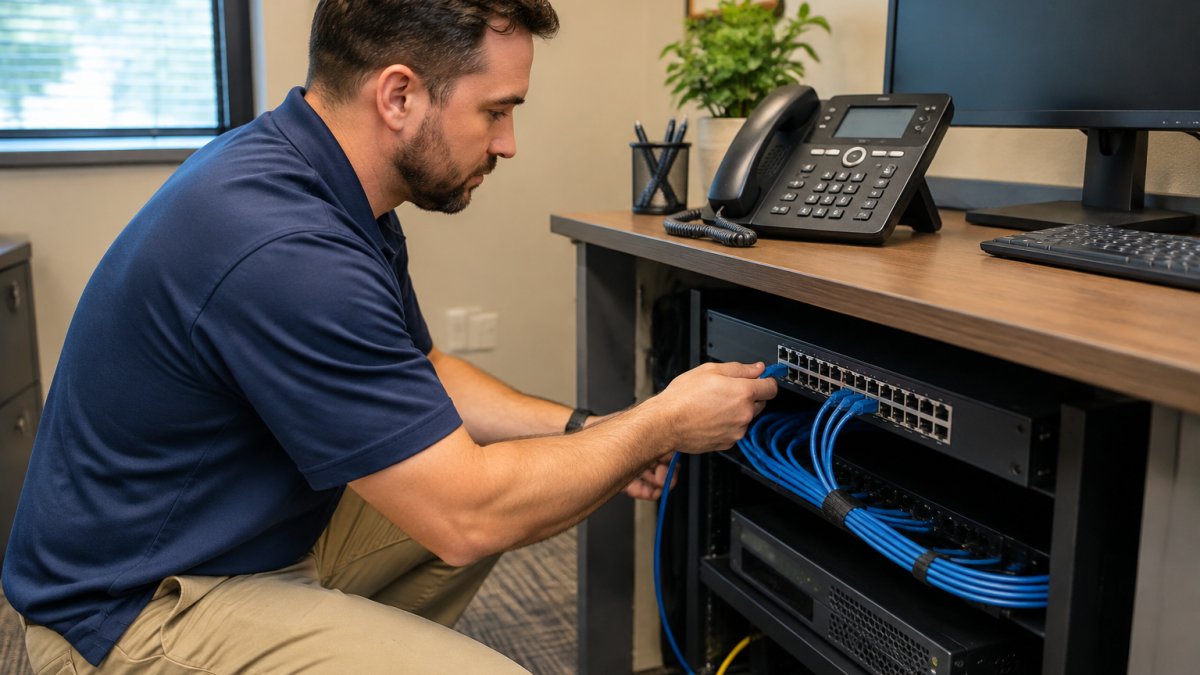
Each location needs a reliable internet connection, a properly configured router, and a plan for how calls route between sites. Everything else, from number porting to emergency calling, builds on that foundation.
Cloud PBX and VoIP Architecture Across Sites
A cloud PBX hosts call control in the provider’s data center, not a closet at your main office. Each site connects over its internet link, and desk phones, softphones, and mobile apps all register to the same platform, so a call to a branch number can ring a desk in one city and a mobile in another simultaneously.
This removes the old hub-and-spoke dependency. With an on-premise PBX, a failed circuit at headquarters could take down every branch; hosted VoIP distributes that risk across each site’s own connection.
What You’ll Need Before You Start
Gather these before you configure anything:
- A current list of every location, with street addresses and floor or suite numbers
- Your existing phone numbers and the carrier that holds them
- A network contact at each site who can access the router
Step 1: Run a Network Readiness Check at Every Site
Network readiness is the step most rollouts skip, and it determines whether your calls sound clear. A voice call uses very little bandwidth; inconsistency ruins it, and late, out-of-order, or lost packets produce the choppy audio people blame on the provider.
A speed test tells you almost nothing about jitter, packet loss, or latency, the three conditions that actually break calls. Ask for a voice readiness test at each location before installation, not after complaints start. in cloud telephone quality: ensuring optimal performance.
The Four Measurements That Matter
Run these tests at each site during business hours, when the network is busiest, and again during a peak call period if you can:
- Latency: Round-trip time to the provider’s nearest data center. One-way latency above 150 ms causes conversational delay; above 300 ms, people start talking over each other.
- Jitter: Variation in latency between packets. Jitter above 30 ms produces clipped or robotic audio; measure mean and maximum jitter, not just an average.
- Packet loss: Any sustained loss above 1% is audible, and bursty loss causes dropouts even at low averages.
Run a voice readiness test, or a monitoring tool, for a full day at each site. One-time tests can miss overnight backup windows and morning download spikes.
Configure QoS and Firewall Rules Per Site
Quality of Service (QoS) is not optional. Without it, large downloads, backups, and video meetings compete with your calls and win.
Firewall rules matter too. The provider will supply IP ranges and ports for SIP signaling and RTP media; open those outbound from each site and disable SIP ALG, the most common cause of one-way audio and dropped calls on consumer and small-business routers.
Test Before You Cut Over
Before the first phone is installed, place test calls from each site to the provider’s echo test number and to another site. Confirm two-way audio and verify that transfers complete. If a site fails, fix the network before installation, not after.
Step 2: Choose the VoIP Phone System for Multiple Offices
Choosing a VoIP phone system for multiple offices comes down to three questions: does it support centralized administration, can it handle shared extensions across sites, and will it scale as you add locations? A platform that forces you to configure each site separately will cost you hours every time a user changes desks.
We recommend weighing cloud against on-premise first, since that decision shapes everything after it. Our breakdown of cloud-based PBX versus on-premise PBX covers the trade-offs; for most multi-site organizations, cloud wins on management effort and disaster recovery.
| Requirement | Why It Matters | What to Confirm |
|---|---|---|
| Centralized administration | One dashboard for all sites | User provisioning from a single login |
| Extension dialing | Staff reach colleagues directly | 3-4 digit dialing across locations |
| Shared numbers | One line rings multiple sites | Inbound routing rules per number |
| Failover options | Calls survive an outage | Automatic forwarding to mobile |
| Mobile app | Remote staff stay reachable | iOS and Android support |
Step 3: Configure the Hosted Phone System Setup for Multiple Locations PBX
Configuration is where a hosted phone system setup for multiple locations PBX either becomes manageable or becomes a maze.
Then define your call flows before you touch a dashboard. Write down what should happen when someone dials the main number, the sales line, and the after-hours line at each site.
Call Routing, Forwarding, and Transfer Between Sites
Call routing decides where each inbound call lands. Set rules per number, not per site, so a single main line can ring the front desk in one location and roll to another after a set number of rings. Call forwarding handles exceptions, like sending a branch’s calls to a manager’s mobile during a staffing gap, and transfer between sites works cleanly once extension dialing is in place.
Shared Numbers, Local Numbers, and Auto Attendants
Keep a local number in each market where customers expect to reach you, and route it to the right branch. An auto attendant gives callers a menu and sends them to the correct department without a receptionist. A shared voicemail inbox lets a team handle messages together.
Step 4: Port Numbers and Set Up Emergency Calling by Location
Number porting moves your existing numbers to the new provider, and it should be scheduled so no number goes dark. Confirm in writing that you can take your numbers with you if you ever leave.
Federal rules require direct 911 dialing and a dispatchable location for VoIP service, per FCC guidance on 911 for VoIP. A dispatchable location means the room or floor, not just the street address, and many buyers never ask about it.
Step 5: Add Mobile Access with the Hosted Phone System Setup for Multiple Locations iPhone
Mobile access turns every employee’s phone into an extension of the office system. The hosted phone system setup for multiple locations iPhone step is usually the fastest part of the rollout: install the app, sign in with the user’s credentials, and the device registers to the same platform as the desk phone.
Staff can then make and receive calls on the business number from anywhere, with caller ID showing the company line. Our mobility solutions cover the options for desk phones, computers, and mobile.
Plan for Failures and Keep Calls Flowing
Business continuity is the section of the plan many teams skip, and it matters. Ask your provider one direct question: how are calls routed if the power or internet goes down at a site?
Ask whether a provider checks your network before installation rather than blaming it afterward. Our article on what happens to your phones when the power dies walks through the scenarios worth planning for.
Test Four Failure Scenarios Before Launch
Write a one-page fallback plan for each site and test it during the pilot. The four scenarios that matter:
- Internet outage at one site: Calls to that site’s numbers should forward automatically to a designated mobile number or another branch. Confirm the rule is set per number, not per user.
- Power loss at one site: Desk phones go dark, but the provider’s platform keeps running. Route calls to mobile apps or another site, and keep a charged mobile phone and a printed list of key extensions at each front desk.
- Provider disruption: Ask what happens if the provider’s data center fails. A reputable platform runs redundant data centers and fails calls over automatically; get the answer in writing, including expected failover time.
Watch out: a fallback plan that lives only in the provider’s dashboard is not a plan. Print the routing rules and keep them with the front-desk binder at each site.
Set Acceptance Criteria for Failover
Define what “working” means before you test. A common standard is that an inbound call to a site’s main number reaches a live person or a monitored voicemail within 30 seconds of the site losing internet. Test each scenario once during the pilot and once after cutover, record the results, and fix any failure before you retire the old system.
Keep a Manual Override Ready
Every site should have a named person who can reach the provider’s support line and a backup administrator who can change routing from a mobile device. During an outage, the last thing you want is a single point of failure in the people who manage the system.
Common Mistakes to Avoid During Rollout
The biggest rollout mistake is treating every location as a copy of the first one.
Watch out: consumer routers with SIP ALG enabled can cause one-way audio and dropped calls. Use business-grade equipment configured for voice.
A second common mistake is skipping Quality of Service settings. Without QoS, large downloads, backups, and video meetings compete with your calls and win.
Third, confirm the full monthly cost in writing, including taxes, fees, equipment, and renewal terms, before you sign. If you are nearing your rollout date, how to migrate business phone systems without downtime covers the sequencing that avoids gaps in service. When you are ready to see numbers for your own sites, you can Get a Quick Proposal.
Multi-location phone rollouts fail on the details, not the big decisions.
Frequently Asked Questions
How do you set up a hosted phone system for multiple locations?
Start with a network readiness check at each site so you know the internet, router, and wiring can carry voice traffic. Then choose a hosted phone system that supports centralized administration, configure extensions and call routing between sites, port your existing numbers, and register a dispatchable location for 911 at every address. Test calls from each office before you go live, and keep Quality of Service settings on so calls get priority over downloads and backups.
Can multiple office locations share one phone system?
Yes. A hosted phone system lets every branch run on one platform with centralized administration, shared extensions, and extension dialing between sites. A caller can reach any office through a single auto attendant, and staff can transfer calls across locations as if everyone were in the same building. Each site can still keep its own local numbers and caller ID, so customers see a familiar number when you call them.
How should calls be routed between multiple business locations?
Set up routing rules that match how your business works. Route by time of day, send overflow calls to another branch, and use auto attendants to let callers pick a department or location. Shared voicemail inboxes keep messages visible to the right team. Test the routing with real calls from outside lines, and confirm transfers between sites work before launch, not after.
What equipment is needed for a hosted phone system across multiple offices?
You need a reliable internet connection at each site, a business-grade router with Quality of Service settings, and desk phones or softphones for staff. Many teams use the mobile app for remote and field workers. Consumer routers with SIP ALG can cause one-way audio, so use business equipment configured for voice. Ask your provider for a voice readiness test before installation to catch jitter, latency, and packet loss early.