Last Updated: November 23, 2026
Quick Summary
Often yes, but not always. Whether your phones survive replacing a PBX depends on the phone type, whether it uses a standard protocol like SIP, and whether the new system can be configured to recognize it. Analog and standards-based IP phones are the best candidates for reuse, while proprietary digital handsets are the least likely to carry over.
- Inventory every phone by make, model, firmware, and protocol before deciding anything.
- Standards-based SIP phones are the best reuse candidates for a new system.
- Proprietary digital handsets are the least likely to work after switching systems.
- Confirm per-seat licensing fees in writing, since a reused phone may still cost money.
- Keep the old PBX live with a rollback plan until pilot testing passes.
Table of Contents
- Can You Keep Your Phones When Replacing a PBX?
- Step 1: Identify What Type of Phones You Have
- Step 2: Verify PBX Phone Compatibility
- Step 3: Plan IP Phone Provisioning for VoIP
- Step 4: Build a PBX Replacement Migration Checklist
- Booking a Phone Compatibility Review Before You Switch
- Frequently Asked Questions
Can You Keep Your Phones When Replacing a PBX?
Often, yes, but not always. If you’d like a quick sense of your options before digging in, you can Get a Quick Proposal that outlines how your current equipment might fit a new system.
This guide walks through five steps to keep your phones when replacing a PBX: identify your phone types, verify compatibility, plan provisioning, build a migration checklist, and book a compatibility review before you switch.
Step 1: Identify What Type of Phones You Have
Start by reading the label on the back or bottom of each handset. The model number and manufacturer tell you more than anything else. Most business phones fall into one of three categories.
Analog, digital and IP phones compared
- Analog phones connect over a traditional copper line. They are simple and usually the easiest to reuse, but they often need an analog telephone adapter (ATA) to work on a VoIP system.
- Digital phones use a proprietary signaling format tied to a specific PBX brand. They are the most likely to become unusable after a switch.
- IP phones connect over your Ethernet network and typically use SIP, a widely supported standard. They are the most likely to carry over to a new system with a configuration change. Our desk phone buying guide shows which models support each type.
Write down the make, model, and count for each device. This inventory becomes the foundation for every decision that follows.
Step 2: Verify PBX Phone Compatibility
Compatibility is the question that decides whether you keep your phones. Do not assume a phone works with a new system because it is “a business phone.” Work model by model, and record the result in the same inventory you started in Step 1. The practical test is protocol, not brand: a handset that speaks SIP over Ethernet is a candidate for reuse; a handset that speaks a vendor-proprietary signaling format is usually not.
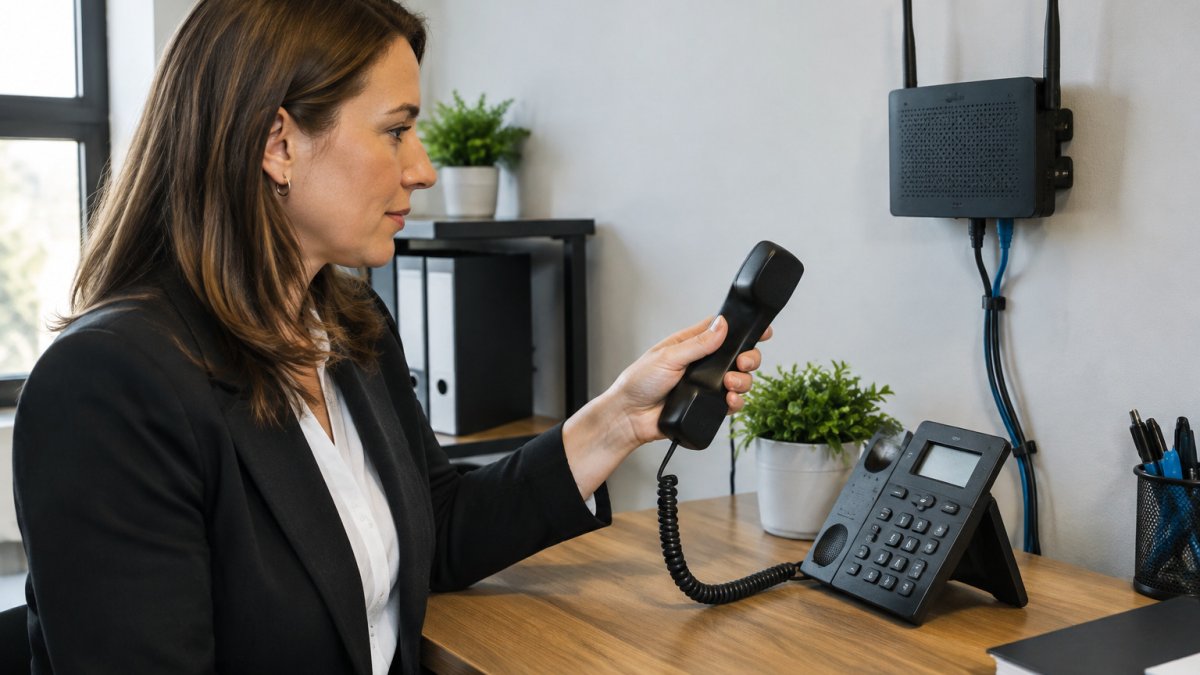
A model-by-model compatibility checklist
For each handset, capture these fields before you talk to any provider:
- Manufacturer and exact model number (for example, the label on the back, not the series name on the bezel).
- Protocol: SIP, proprietary digital, or analog loop-start. The manual or the provider’s data sheet states this; do not guess from the connector.
- Firmware version as currently loaded, and whether the manufacturer still publishes updates for that model.
- Configuration path: can the phone be reprovisioned remotely (DHCP option 66, a provisioning URL, or a vendor management platform), or does it require a manual reset and hand entry?
- Licensing: some platforms charge a per-device license even when you bring your own handset; confirm whether a reused phone still carries a seat fee.
A decision tree by phone type
- Analog phones (including fax and elevator lines): reusable, but almost always through an analog telephone adapter (ATA) or a gateway port on the new system. Basic dial tone survives; display features, message-waiting lamps, and some transfer behavior may not.
- Proprietary digital handsets: the least likely to carry over. These sets depend on the original PBX’s signaling and power, and a different vendor’s platform generally will not drive them. A digital gateway can sometimes preserve them, but only when the gateway vendor explicitly supports that handset family, verify in writing.
- Standards-based SIP desk phones: the best reuse candidates. Most business SIP phones can be factory reset, pointed at the new provisioning server, and brought up with a configuration change. Confirm the specific model and firmware appear on the new platform’s supported-device list.
When adapters and gateways help, and what they cost you
An ATA is the right tool for a handful of analog devices: fax machines, elevator and lobby phones, and analog conference units.
The only reliable answer comes from matching your exact model, protocol, and firmware against the replacement platform’s documentation.
Compatibility decides whether your current handsets can stay, so compare each one against the new system using the same fields.
| Phone type | Likely outcome | Key limitation |
|---|---|---|
| Analog | Reusable through an ATA or gateway port | Display and message-waiting lamps may not work |
| Proprietary digital | Least likely to carry over | Depends on a gateway the vendor explicitly supports |
| Standards-based SIP | Best reuse candidate | Confirm model and firmware on supported-device list |
Step 3: Plan IP Phone Provisioning for VoIP
Provisioning is the process of loading a phone with its account settings: extension, credentials, server address, and feature codes. Once provisioned, the phone behaves like part of the new system. Review the VoIP features that matter for setup and daily use before you begin.
Work through the process in this order:
- Reset each phone to factory settings so old PBX data does not conflict with the new configuration.
- Confirm the phone can reach the provisioning server on your network.
- Load the new extension and credentials, and place a test call.
- Record which phones succeed and which need replacement.
Keep a log of each device and its provisioning status. That record helps you track progress and troubleshoot any failures.
Step 4: Build a PBX Replacement Migration Checklist
A written checklist keeps the switch from stalling. The checklist should answer the cost question first: reuse, partial replacement, or full handset replacement. Build the list around that decision, then run the migration in stages so a failed pilot does not take the office down.
The reuse-versus-replace cost comparison
Compare three paths on total cost, not sticker price. The line items that matter are handsets, adapters or gateways, configuration labor, per-seat licensing, and ongoing support.
- Full reuse: lowest hardware spend, highest configuration labor, and the most risk that feature keys and E911 behavior differ from what users expect. Viable when most handsets are standards-based SIP and the new platform supports them.
- Partial replacement: replace proprietary digital sets and any handset the new platform will not provision, keep SIP and analog devices. Usually the best balance when the fleet is mixed.
- Full replacement: highest hardware spend, lowest configuration labor, and the cleanest feature and support story. Often justified when the existing handsets are aging, out of firmware support, or carry per-device license fees on the new platform anyway.
Get the per-seat license cost in writing before you decide. A reused phone that still triggers a monthly seat fee changes the math, and so does a gateway that adds a support contract.
Feature and emergency-calling impacts of reuse
Basic calling is the easy part. Confirm these before cutover, because they are where reused phones most often disappoint:
- Voicemail: message-waiting lamps and visual voicemail may not work on reused handsets.
- Transfer and conference keys: button mapping is a PBX function; a reused phone may need manual remapping or may not support the same behavior.
- Headsets and paging: confirm headset compatibility and whether overhead paging runs through the phone system or a separate amplifier.
- E911: dispatchable location must be correct for every reused phone, including floor and room. A phone that moves during the migration needs its location record updated.
The migration and testing sequence
- Inventory every phone by make, model, firmware, protocol, and location
- Mark each phone as reusable, needs an adapter or gateway, or needs replacement
- Confirm internet bandwidth, router, and wiring can carry voice traffic
- Confirm how 911 calls will be handled, including the dispatchable location for each handset
- Confirm you can port existing phone numbers and note the port date
Pilot testing with a small group can catch problems before they affect the whole office, and a rollback plan is what makes a pilot safe to run. If your office also relies on fax lines, it is worth checking whether a Free eFax Service for life fits into your new setup so those analog workflows aren’t left behind.
Booking a Phone Compatibility Review Before You Switch
Before you commit to keeping or replacing your phones, a compatibility review answers the questions above with your actual equipment.
Our Greensboro-based team works directly with you, so you speak with a real person rather than a national call center. If you prefer someone nearby, you can find a local VoIP provider in North Carolina for a regional consultation.
Let’s Start a Conversation. Contact Carolina Digital Phone to discuss which of your phones you can keep.
Frequently Asked Questions
Can analog phones work with a modern VoIP phone system?
Often yes, but usually not on their own. Analog phones connect to a standard phone line, so they need an analog telephone adapter (ATA) that converts the signal to IP for a VoIP system. Check that the adapter supports your phone type, that it is on the provider’s approved list, and that it can handle the number of lines you need. Fax machines and alarm panels can be sensitive to adapter quality, so test them before cutting over.
Can you reuse digital PBX phones with a different phone system?
Usually not. Proprietary digital handsets are built to work with the PBX they were designed for, so they often will not function with a new system from another vendor. Standards-based SIP phones have a much better chance of transferring, but only if the new system allows you to reconfigure them. Confirm the phone model and firmware with the new provider before you assume the handsets will carry over.
Do existing IP phones need to be unlocked or reconfigured before migration?
Most IP phones need to be reset and reprovisioned so they point to the new system’s server and register with the correct extension. Some phones are locked to their original provider and need an unlock or a configuration change from that vendor first. Ask your new provider whether they can provision your existing model and whether any firmware update is required. Budget time for resetting each phone and for testing calls from every handset.
When should you replace phones instead of reusing them?
Replace phones when they are proprietary digital models the new system cannot support, when the model has reached end of support, or when a phone lacks the security features your business needs. Replacement also makes sense when reusing phones would require adapters on every desk, which can cost more than new SIP phones over time. Compare the total cost of adapters, configuration time and possible downtime against the price of new endpoints before deciding.