
VoIP for schools can reduce telephone spending when the proposed service, equipment, and support cost less than keeping the current system over the same period. Start with actual bills and a complete replacement quote, rather than a promised savings percentage. Keep classroom access, emergency calling, and outage preparations in both budgets.
Start a conversation about your school's telephone costs
Bring finance, IT, facilities, and front-office staff into the same discussion. Collect carrier bills, maintenance agreements, equipment leases, and repair records. Mark which charges would stop after a move and which would continue. Money already spent on an existing phone system is not a future saving.
Separate shared classroom stations from employees who need computer-based calling. Price the equipment and access each group requires, including headsets and a usable workstation. Decide where a softphone fits the work before reducing the classroom phone count; a computer-based option should meet the same practical calling requirements.
Set one comparison period and use the same campus, employee, and shared-phone inventory for both options. Add projected classrooms or a planned building opening as a separate scenario. This makes the cost of growth visible without treating every possible expansion as an immediate purchase.
Build a complete VoIP for schools budget
Request separate amounts for recurring service, classroom and office phones, headsets, installation, number transfers, training, support, taxes, and optional features. Include cabling, network switches, backup power, and any additional internet capacity the proposed deployment requires. Hosted calling should not be budgeted as a hardware-free project.
Compare that total with the current system's future carrier charges, maintenance, repairs, and necessary replacement work. Ask for the price of adding a classroom, employee, or campus. For VoIP for schools, a low starting subscription means little if the quoted configuration leaves out reception or shared spaces.
Keep funding assumptions separate. Voice services have been ineligible for E-Rate since funding year 2019. Eligible broadband and internal connections are separate categories, and mixed purchases can require cost allocation under the E-Rate eligibility overview. Do not subtract an assumed voice subsidy from the proposed bill.
Use a hypothetical calculation to understand the method, then replace every amount with district records and itemized quotes. Include any temporary overlap between services in the transition allowance.
For a hypothetical school, assume current service and maintenance total $1,200 monthly, proposed recurring service totals $850 monthly, and equipment and implementation cost $9,000. Over 36 months, keeping service costs $1,200 × 36 = $43,200; replacing it costs $850 × 36 + $9,000 = $39,600. With all other costs equal, the illustrative saving is $43,200 – $39,600 = $3,600, not the recurring-charge difference alone.
Match classroom, office, and district calling needs
Build the VoIP for schools specification around who needs to reach whom. Teachers need a practical way to contact the office and families without interrupting lessons unnecessarily. Reception staff need to transfer parent calls, cover absences, and handle busy arrival periods. District administrators need clear routing between campuses.
For each proposed feature, attach a demonstration task:
- Auto attendants and routing: Send an attendance call to the correct school during opening hours and after closing.
- Caller ID and voicemail-to-email: Show the intended outbound school identity and deliver a message to the employee responsible.
- Call recording: Demonstrate who can start, retrieve, and delete recordings before deciding whether the school needs it.
- Shared classroom phones: Have a substitute teacher reach reception and identify the room without personal credentials.
Use the school VoIP features guide to prepare that discussion, then prioritize the tasks your staff actually perform. Keep student use supervised and define which shared phones may make outside calls.
For employees working between buildings or supporting virtual learning, include softphones, mobile access, and any video-conferencing requirement in the specification. Decide whether existing meeting software already covers parent conferences and remote instruction before buying overlapping tools. Keep these requirements distinct from classroom emergency access.
Plan paging and school software connections
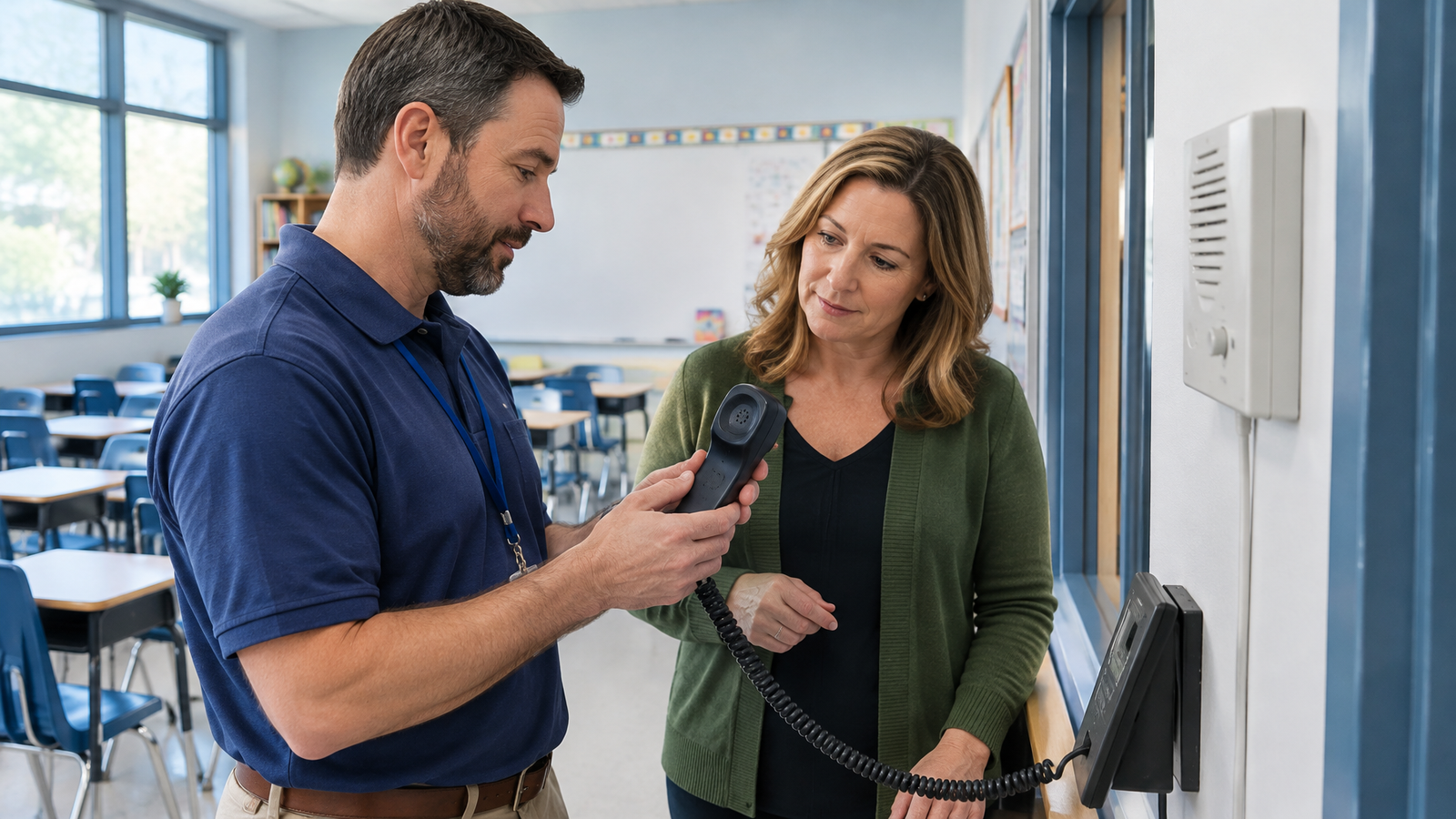
Inventory paging amplifiers, intercoms, bells, door-entry devices, fax equipment, and other telephone-connected systems. Record the model, connection, location, and responsible department. Require a demonstrated retain, adapt, or replace plan for each device rather than assuming an adapter preserves every function.
For classroom handsets, specify wall or desk mounting, power, wired or wireless networking, audible ringing, and usable controls. Test paging zones from the actual phones that will initiate announcements. Include any adapters and installation labor in the quote.
Treat school management software integration as a defined workflow: identify the application, the information exchanged, and the action staff need completed. Have the proposed configuration demonstrate that workflow with sample data. The school VoIP selection guide provides related reading for organizing provider discussions before demonstrations.
Include emergency calling and outage preparations
VoIP for schools planning must distinguish reaching 911 from telling responders where help is needed. Kari's Law addresses direct dialing and notifications for covered multi-line systems. RAY BAUM'S Act implementation addresses dispatchable location, including a validated street address and additional locating details (emergency calling guidance). Determine the requirements applicable to your installation with qualified advisers.
Create a location register covering buildings, floors, rooms, shared phones, and mobile arrangements. Assign responsibility for updates when classrooms or devices move. Arrange any live emergency-call testing through the local emergency communications center's non-emergency contact, and document the location and callback information received.
Internet and cellular communications can fail as backup batteries and generator fuel run out, a dependency explained in the EPA's telecommunications outage guidance. For your school, test the proposed behavior during loss of internet and building power. Include the modem, router, switches, and phones in backup-power planning. Give staff an agreed alternate way to request help and communicate with families.
Protect records and rehearse the school rollout
Before connecting phone workflows to student information, define access to voicemail, recordings, call history, and exported files. Set retention and deletion responsibilities. Include provider responsibilities, permitted information sharing, and contractual safeguards in the district's review of services that handle student education records. Apply that review to the relevant school workflow rather than treating a feature name as a privacy assurance.
Pilot VoIP for schools with a classroom, reception station, and district-office user. Test simultaneous calls during normal network activity, transfers, paging, message delivery, and the outage plan. Have staff perform their everyday tasks without coaching and record unresolved problems before approving wider deployment.
Prepare a number inventory and agreed cutover schedule. Have the new provider initiate porting, and do not terminate existing service before initiating replacement service, following the FCC's number porting guide. Schedule training for office staff and substitutes, name the support contact, and define who authorizes proceeding or pausing.
Choose the proposal that meets these school requirements at a defensible total cost, whether the saving comes from retiring carrier charges or avoiding justified replacement work. Carolina Digital Phone offers a free assessment of current telephone services; bring your bills and campus inventory to the telephone service assessment.
Frequently Asked Questions
Does every teacher need a separate paid VoIP account?
Build the quote around named staff, shared classroom phones, and required calling permissions. Ask for each category to be priced separately; do not assume that a handset count and a named-user count must be identical.
How should schools measure savings after switching?
Compare actual invoices and implementation spending with the approved baseline for the same period. Record enrollment, staffing, or campus changes separately so growth does not obscure the original cost comparison.
Should a working school phone system be replaced immediately?
VoIP for schools is worth evaluating when support, expansion, or everyday calling needs justify a change. A supported system that meets those requirements can remain in the comparison; equipment age alone does not establish savings.