
Cloud phone systems are worth considering when replacing a failed PBX, supporting employees away from the office, or reducing responsibility for telephone servers. Keeping an on-premise PBX can make sense when it remains supported, meets your needs, and has a favorable forward-looking cost. Compare the next several years of service, equipment, support, and connectivity rather than assuming either model always saves money.
What cloud phone systems move off your premises
A PBX manages business calling. With an on-premise deployment, the call-control equipment or software operates at your location. With hosted calling, that core system runs off site with a service provider. An on-premise IP PBX can also use VoIP, so internet-based calling does not automatically mean cloud deployment (PBX architecture guidance).
Treat “cloud” and “hosted” as descriptions that need a practical explanation, rather than assuming they always identify different products. Ask where call processing runs, who maintains it, and which equipment stays in your building. Those answers matter more than the terminology on a proposal.
If your equipment has just failed, separate immediate recovery from the long-term purchase. Ask the current carrier what temporary routing is possible, record which numbers are affected, and preserve the existing system configuration if available. Request both a repair estimate and a replacement proposal before authorizing a permanent solution.
Compare cloud phone systems over the same cost period
Build a three-year comparison using the same employee count, locations, calling requirements, and support expectations. Separate money already spent from costs you would incur from today onward. A paid-for PBX should not carry its original purchase price into the keep-versus-replace calculation.
For the hosted proposal, request subscription charges, installation, number transfer, devices, training, optional features, and any network improvements. For the on-premise option, request repair or replacement hardware, software licensing, carrier service, maintenance, backups, and the staff time needed to administer it.
Use these budgeting rules:
- Count shared costs consistently. Include only the incremental internet upgrade required by each option, rather than charging one proposal for broadband the business already needs.
- Separate recurring and one-time charges. Show the first payment and the full comparison-period total.
- Price the same work. Include reception, remote employees, shared phones, and installation in both proposals.
- Model a change. Recalculate for expected hiring or another location instead of assuming today's headcount remains fixed.
Use our cloud phone cost guide to organize the expenses you want itemized. Our office phone savings article offers a second reading path for teams reviewing their current spending; use actual quotes for the decision.
The worked example below illustrates the method, not market prices. Replace every input with your own quoted amount before deciding.
For a hypothetical 20-user office, assume hosted service at $25 per user monthly, $2,000 for devices and setup, and a $40 monthly connectivity upgrade: 20 × $25 × 36 + $2,000 + $40 × 36 = $21,440 over three years. Assume the on-premise option needs $9,000 upfront, $220 monthly carrier service, $1,200 annual support, and a $1,000 replacement allowance: $9,000 + $220 × 36 + $1,200 × 3 + $1,000 = $21,520. With all other costs assumed equal, the $80 difference makes the operating requirements more consequential than this illustrative price gap.
Test the full call path before trusting an outage plan
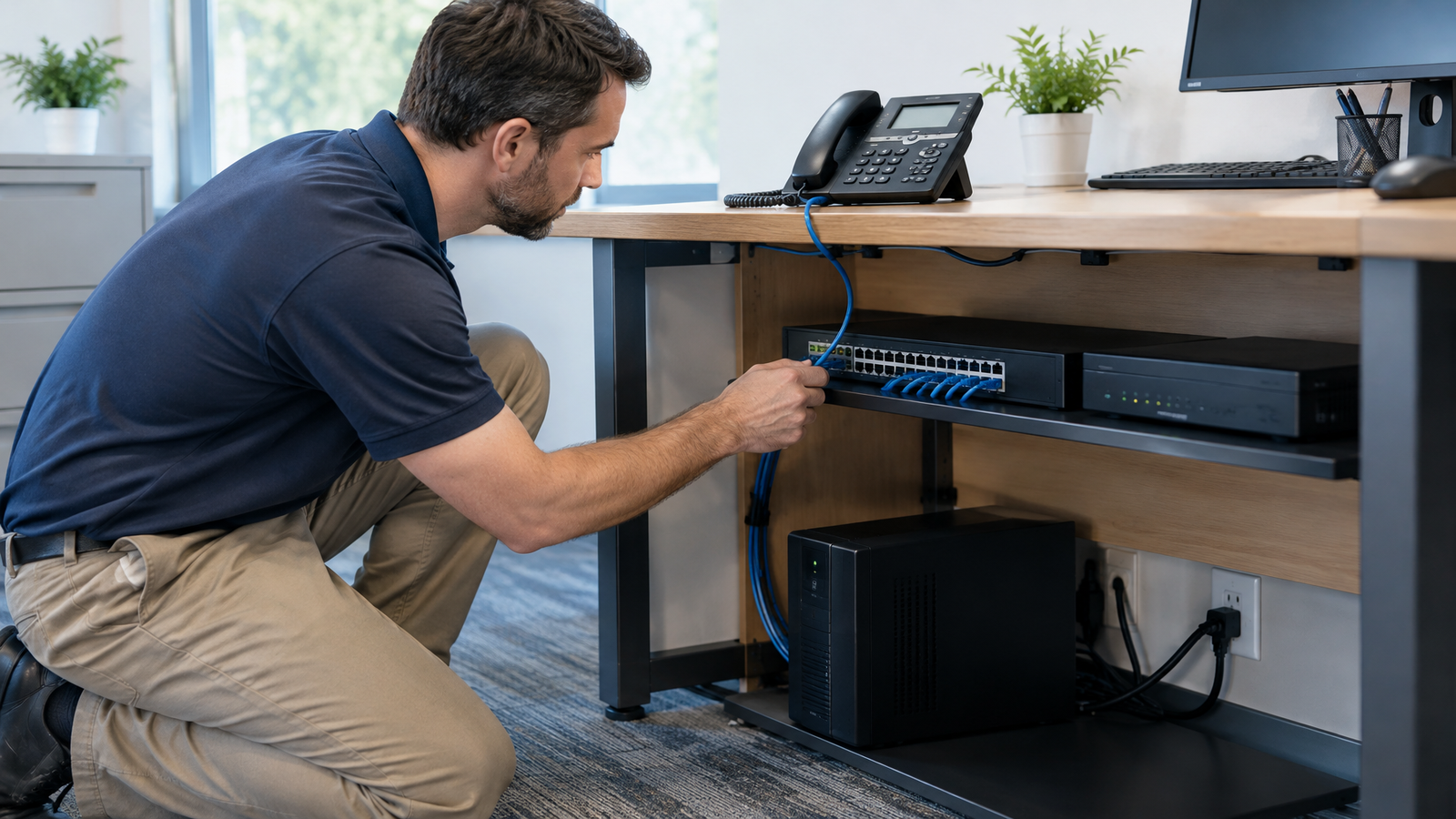
Moving a PBX off site does not remove the office's dependence on working phones, network equipment, and connectivity. Backup power must cover the equipment needed for the call path. Cellular service also depends on available network infrastructure, so a mobile fallback deserves testing rather than assumption (telephone outage guidance).
For either deployment, walk through these scenarios with the installer:
- Busy-hour calling. Make the expected number of simultaneous calls while normal business applications are active. Listen for interrupted speech and test transfers.
- Internet failure. Disconnect the primary connection during an agreed test window. Record where new calls go and whether staff can place outbound calls.
- Building power failure. Identify the modem or fiber terminal, router, switches, and phones that need backup power. Test the intended runtime.
- Recovery. Restore service and repeat incoming calls, outgoing calls, voicemail, and reception transfers.
For an on-premise proposal, ask which functions continue locally and which depend on the external carrier connection. For cloud phone systems, have the provider demonstrate the proposed alternate route. Neither architecture alone establishes how your particular installation behaves.
Put maintenance and security responsibilities in writing
Decide who handles updates, configuration backups, account changes, and incident response. An internal administrator may value direct control of an on-premise system, but the purchase should include time and resources for that work. A hosted agreement should identify what the provider manages and what remains with your organization.
VoIP deserves its own network and security planning; existing computer-network protections should not simply be assumed sufficient. NIST identifies interactions among voice traffic, firewalls, address translation, and encryption as design concerns (VoIP security publication).
Request named responsibility for administrator access, departing-employee accounts, software updates, and retained voicemail or recordings. Include your security team before selecting the system, especially when several departments share administration. Make the support handoff concrete: who takes the first call, who investigates, and who communicates progress?
Move numbers and connected equipment deliberately
Create an inventory of public numbers, extensions, reception routes, shared phones, fax devices, paging, door entry, and other connected equipment. Request a written disposition for each item: retained, replaced, or connected through a demonstrated configuration. A familiar connector or protocol name is not enough to establish compatibility.
Have the new provider initiate number porting, and do not terminate existing service before initiating the replacement. Review current contract charges and supply the requested account details. The FCC explains these steps in its number porting guide.
Schedule a pilot using a temporary number before moving the main business number. Test the busiest receptionist's workflow, remote calling, voicemail delivery, and every connected device you plan to retain. Agree on a cutover window, a temporary routing plan, and who decides whether to pause the move. Do not build the schedule around a promise of zero downtime.
Choose cloud phone systems when the operating model fits
Favor hosted calling when your goal is to move core phone-system infrastructure off site and support business calling beyond a single office. Favor retaining a supported on-premise PBX when it already handles your workflows and its future maintenance, carrier, and staffing costs justify keeping it.
For a failed system, the deciding question is whether a repair buys useful service life or merely postpones a replacement you already need. For a working system, compare measurable needs: locations, employees, call handling, and support ownership. Avoid replacing equipment solely because of its age or a blanket savings claim.
To discuss replacing your PBX with hosted calling and mobile connectivity options, send Carolina Digital Phone your equipment inventory and three-year requirements through the custom pricing request.
Frequently Asked Questions
Do cloud phone systems require Wi-Fi phones?
No. Cloud describes where the core phone system operates, not a requirement to connect every handset through Wi-Fi. Specify the intended wired or wireless connection for each workstation, then have the installer demonstrate that configuration before ordering devices.
Is a virtual PBX always hosted in the cloud?
No. A virtual PBX runs on virtualized servers and can be deployed on premises or in the cloud. Ask where the virtual server runs and who maintains it; virtualization alone does not answer either question.
How long does moving a business phone number take?
The FCC requires simple ports to be processed in one business day, but that category generally excludes multiline or more complex changes. Ask for a schedule covering your actual number inventory rather than using the simple-port standard as the entire migration timeline.